How to update to a newer version
Written By Dominik
Last updated 9 months ago
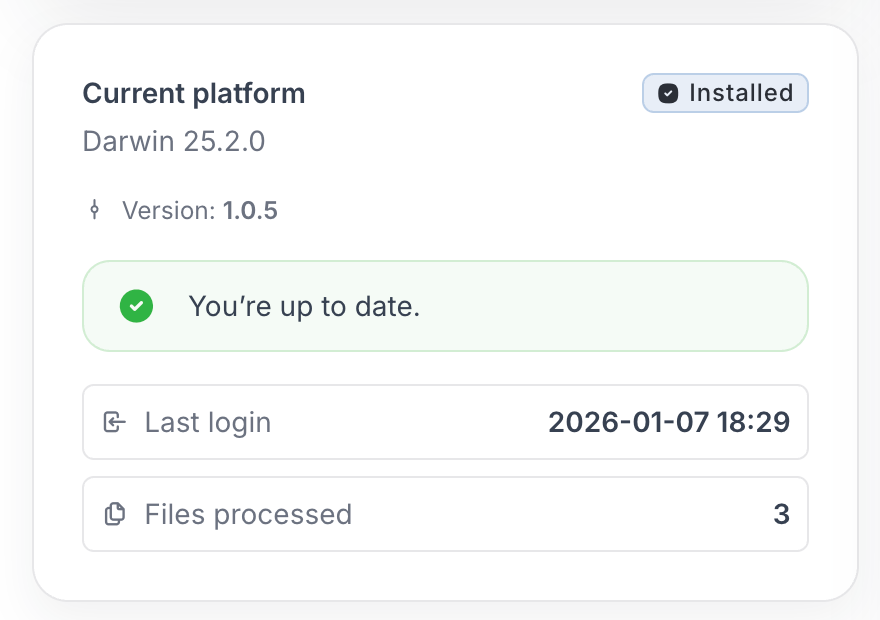
OPTIONAL: You can enter the web to see if a newer version is available:
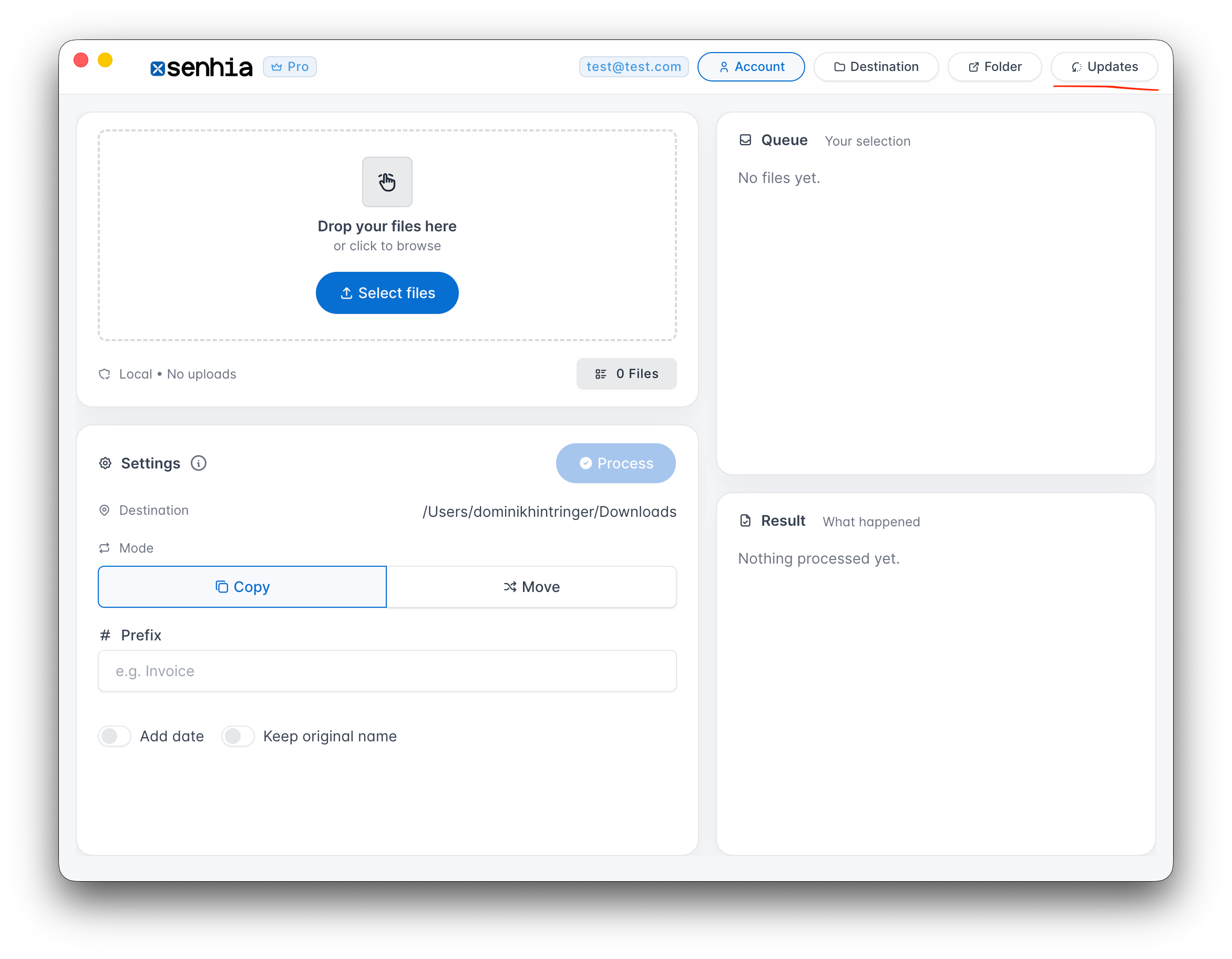
Then start the app on your desktop, and click right above on “Updates”
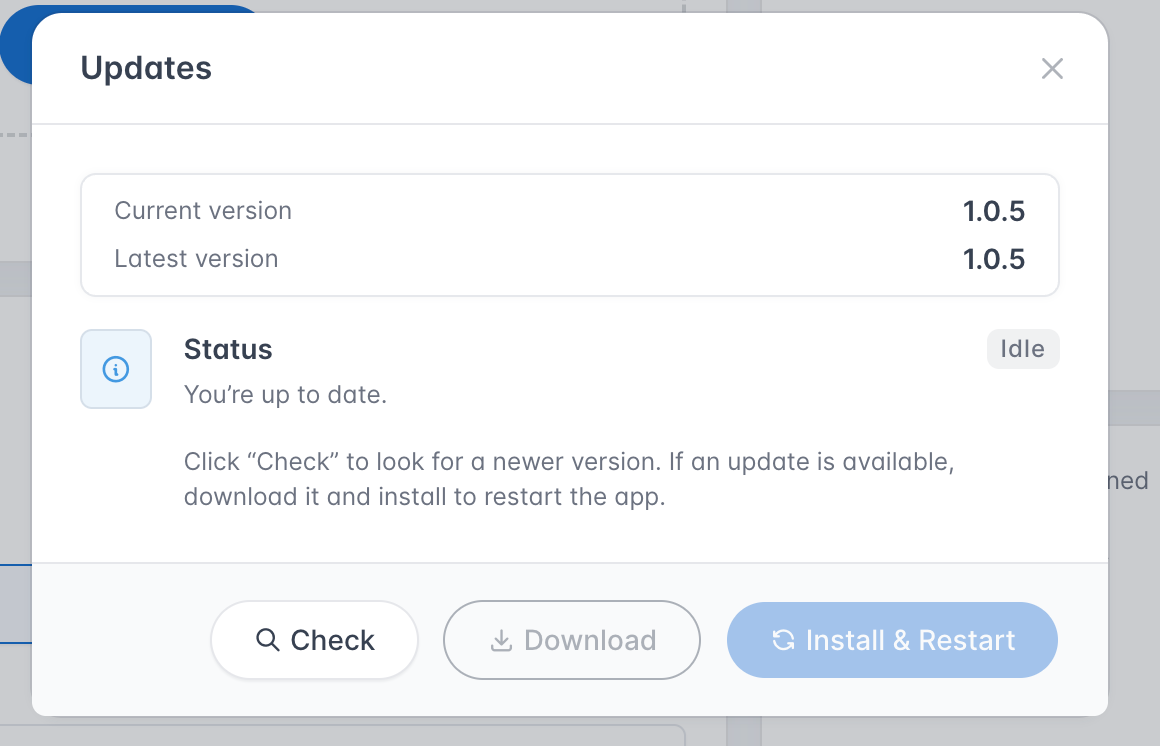
You can click on “Check”, if a newer version is available then you can download it with the button “Download”, if the update is finished with downloading, then go on “Install & Restart”
Was this helpful?
Still need help? Ask the team